




Usage
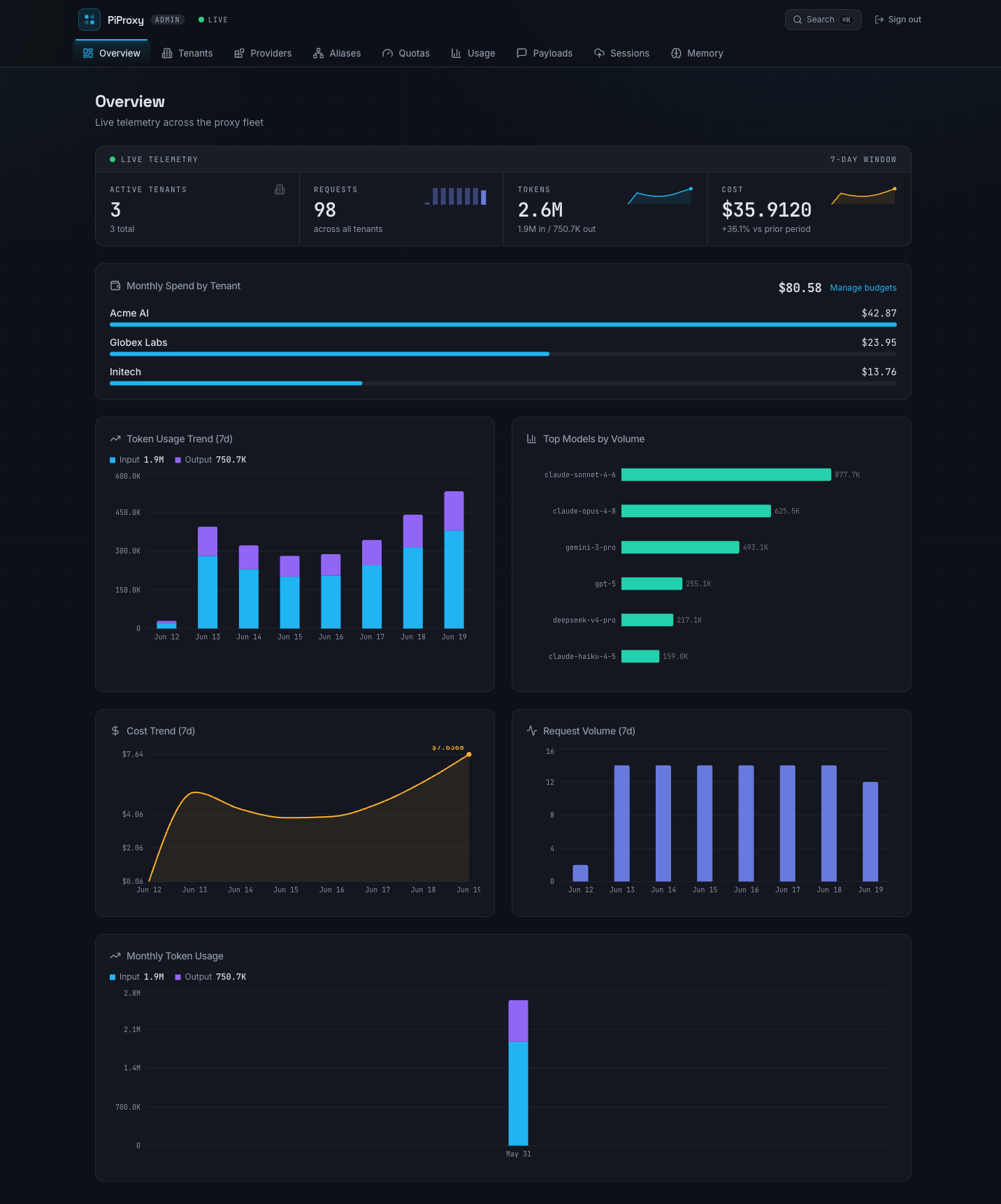
Token, request, latency, and cost reporting across teams, users, providers, models, and dates. Input and output tokens stay separate.
Yapp is a data-plane proxy, admin API, project-knowledge system, and dashboard for shared agent infrastructure. It controls the request path. It connects that traffic to repositories and the people who work in them.
Create a team, add users, and issue scoped cpk_live keys before clients send traffic through the data plane.
Register upstream provider accounts in the dashboard. The gateway stores encrypted credential payloads and injects the right upstream auth at request time.
Built-in catalog routing handles known provider models. Manual aliases override that route for a public model name, team, or upstream provider account.
Spend, token, request-rate, body-size, output-token, stream-duration, and concurrency policies are checked before or during the upstream call.
The gateway resolves normalized Git remotes into stable, tenant-scoped projects. It joins each repository to participants, sessions, accepted model requests, cost, knowledge, and distillation coverage.
The in-progress plugin contract lets independently deployed gRPC processors generate insights while the gateway retains parsing, policy matching, tags, provenance, run history, and project materialization.
The dashboard separates usage metering, prompt evidence, generated knowledge, and client health. Teams can review each one on its own.
Token, request, latency, and cost reporting across teams, users, providers, models, and dates. Input and output tokens stay separate.

Captured request and response bodies are stored separately from usage rows, with retention controls for prompt-heavy history.
Uploaded Pi session metadata and provider payloads are joined by conversation ID so a multi-turn run can be read back in order.

Agent observations and distillation output become attributed decisions, mistakes, lessons, and context inside each repository project.

Generated reflections highlight unclear requests and concrete ways to reduce rework without mixing prompt advice into operational memory.

Extension version metadata and aggregated failures show which client integration is active and where model, session, or project operations are failing.
Run proxy, admin API, UI, Postgres, and Redis. Start with governed model traffic, then enable the project intelligence features your team needs.